



Launching an online course is just an easy part. The complexity begins with how to convert this knowledge into a continuous revenue stream. Everyone can make a course, but cannot sell it. A blend of marketing psychology and solid technical setup is compulsory. To stand out in this competitive market, you will need to do some basic settings and LearnDash platform optimization to convert visitors into course subscribers.
This guide will be a detailed walkthrough for you, we will discuss real-time, true and expert methods to convert yourLearnDash WordPress website into a top-notchE-learning Ecosystem. We will cover everything from advanced Add-on Integration to course builder. By doing this, you can grow academically. Whether you are creating your first course sales funnel or need to optimise your existing one. Must read the below-mentioned tips will help boost student enrollments and make sure you increase revenue with ease.
What is LearnDash?
LearnDash is a very useful WordPress LMS plugin that turns a basic website into a high-profile learning management platform. You can consider it as your courses’ “engine.” It includes a robust Course Builder that allows you to drag-and-drop all of your lessons, topics and quizzes into place. And there is no technical or coding skills required to do this.
It is not only a video tutorial platform, but you may also say it is a complete E-learning Ecosystem. From listing student Progress to generating a Certificate upon completion of work, it takes care of everything. The LearnDash WordPress plugin can make learning simple for students and make running the online school seamless for you.
Make a Strong foundation: installation Steps.
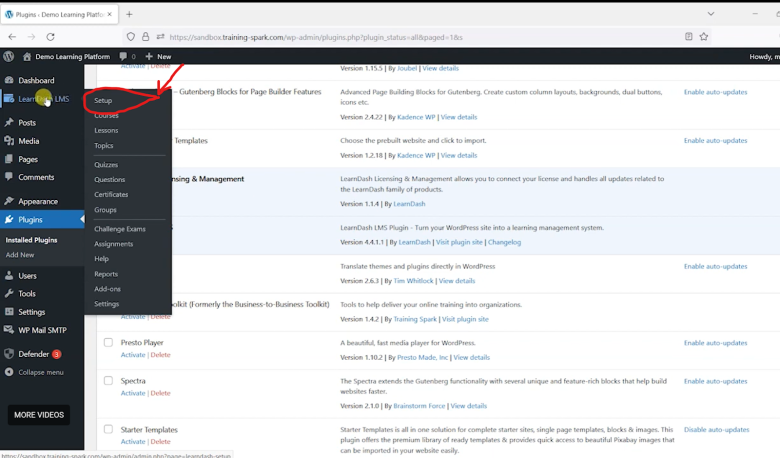
The most crucial step of setting up the LearnDash tutorial is getting a strong foundation. LearnDash LMS plugin offers the design and features that are perfect for quickly configuring your online
Keep reading this article on wparena.com